
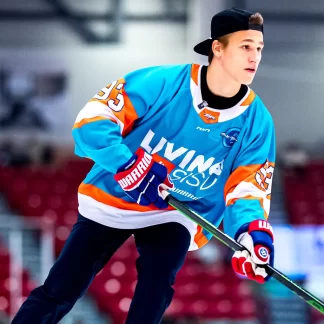
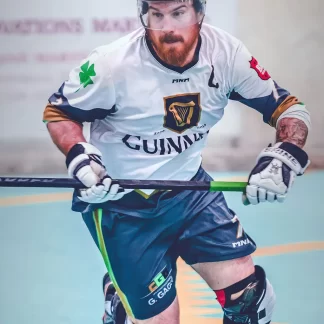
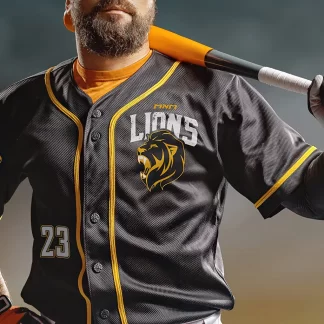
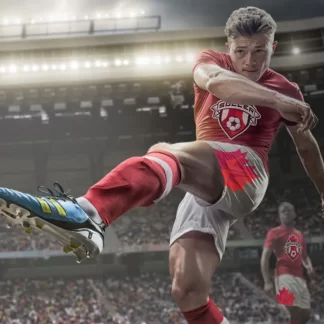
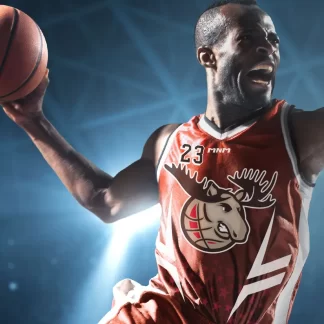
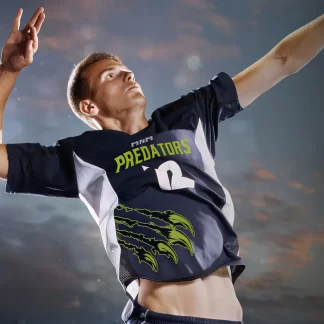
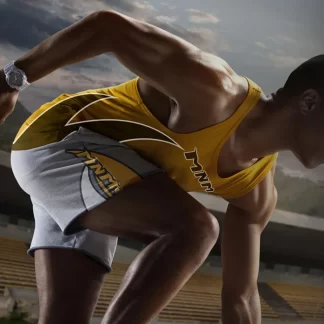
At MNM Sports, we want to make the process of designing and ordering as easy and efficient as possible. The first step in getting your custom uniforms and gear consists of completing a visual request. This allows us to collect all the essential information to ensure your team’s gear is designed exactly the way you want it.
Here’s a step-by-step guide to help you complete the visual request form:
1. Access the visual request form
To get started, log into our customer portal, where you’ll find the visual request form. If you’ve ordered through this customer portal before, you can even revisit a previous request and build upon it for a new order or use it for a repeated order.
2. Provide general information
a. Previous visual information (If applicable)
If you’re reordering or this visual is linked to a previous one, you’ll be asked to enter the number of your previous visual. This helps us ensure colour matching and consistency with past designs.
If you do not know your previous visual number, you can always look for it in the history of your past orders and past visual requests or you can contact us with as many informations as you can give us to find your previous visual, like the team name, the year of your previous visual and/or an image.
b. Enter your team name
Next, you will be asked for your team name. This is not your own name or a personal reference, it is the name that is most likely related to your main logo. This is essential for personalizing your order and ensuring everything is accurately labeled for your team. This is also helpful for us to find a previous visual with the team name.
3. Create your custom uniform and gear
a. Choose your products
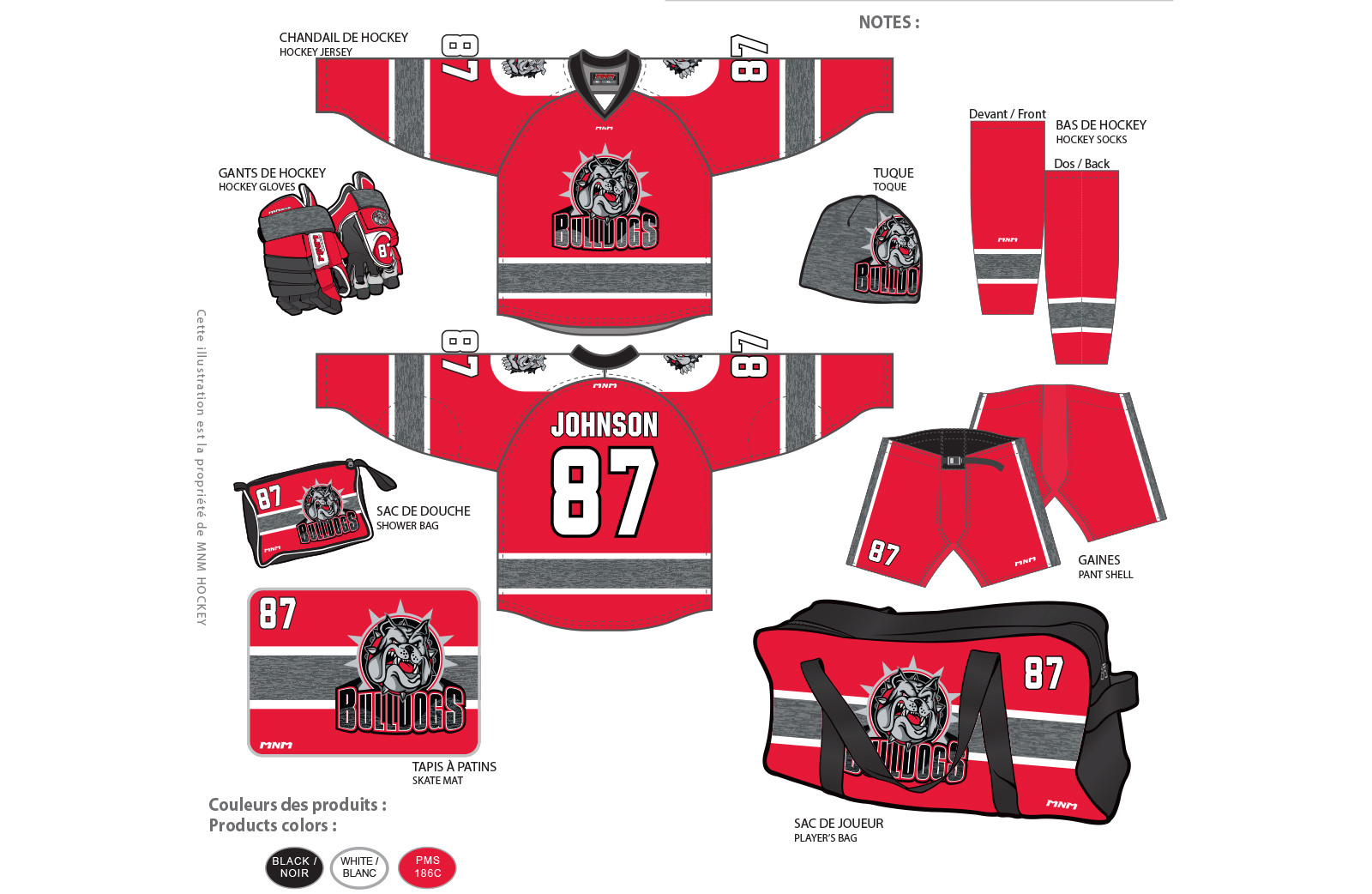
Here, you’ll select the products you want to order. Our form allows you to choose from a variety of options, such as jerseys, shorts, hoodies and more. For each product, you’ll also have the option to select variations, for example choosing a different collar or sleeve type, and the customizations you want to be displayed on each item.
For the customizations, you can select from:
- Name (if you want to display the player’s name on an item)
- Numbers (if you want to display the player’s number on an item)
- Ranks (if you want the rank “C” for captain or “A” for assistant captain to be displayed on an item)
For example, if you want your entire team’s jerseys to have each player’s name and number, simply select “Name” and “Number” as the customizations for your product.
b. Indicate your style
You’ll then select the style of the products. You can choose from styles listed in our catalog or upload your own style file if you have a specific design. Our graphic team will use your style selections to craft the perfect look for your team.
c. Specify your colours
Next, we’ll need to indicate your team colours. To ensure accuracy, please provide us with the PMS (Pantone Matching System) colours codes for your chosen colours. If you’re not familiar with Pantone colours, don’t worry! You can reference colours from official teams (e.g., the red from the Montreal Canadiens’ jerseys), or consult a Pantone colours chart (available at our office or a local printing store).
d. Upload your logos
If your team has a logo, you’ll need to upload the vectorized version of your logo(s). A vectorized logo is a file that allows the logo to be resized without losing quality — this ensures that your logo appears crisp and sharp on all your gear, regardless of size. A vectorized logo is typically saved in formats like SVG, AI or EPS. If your logo is not vectorized, our team can do it for you for an additional fee.
If you don’t have a logo, you can always select from our logo bank, which includes a variety of ready-to-use logos.
We’ll also need you to specify logo placement on the products. We suggest some standard placements, but you can customize it as you wish.
4. Save and submit your visual request
Save and complete later
At any time, you can save your progress and come back to complete your visual request later, which is especially helpful when you don’t have all the information at hand.
Submit and make your deposit
Once you’ve chose all the customizations you want, it’s time to submit your visual request. For submitting, you’ll be required to pay a $150 deposit. This deposit is made to start the visual creation process with our graphic designers team and will be credited toward the total cost of your order.
5. Visual creation process
Now that we have your visual request, our graphic team will get to work. They will use all the information you provided (style, logos, colours, customizations, etc.) to create the visual of your gear.
Review and approuve your visual
After your visual has been created, you’ll be notified through our customer portal that your visual is ready to review. You’ll be able to see the visual(s) created by our graphic team and if any changes are needed, you can provide feedback. Our graphic designers will make revisions based on your comments until the design is exactly as you want it.
Once you’re happy with the design, you can approve the visual directly through the portal.
Next up: Step 2 – Filling in your roster
The approval is the final step before moving to Step 2: Filling in your roster, where you’ll finalize the names, numbers and other details for each player.
We’re here to help every step of the way, so if you have any questions while completing your visual request, feel free to contact our team.
Let’s get started on designing your team’s custom uniform and gear today!